

Services
Quality control software
Control cleaning quality across your sites
Prepare checkpoints, record issues on site and share a report after the inspection. InspectClean keeps each finding tied to the area that was checked.
Explore the quality control softwareSee the report before deciding
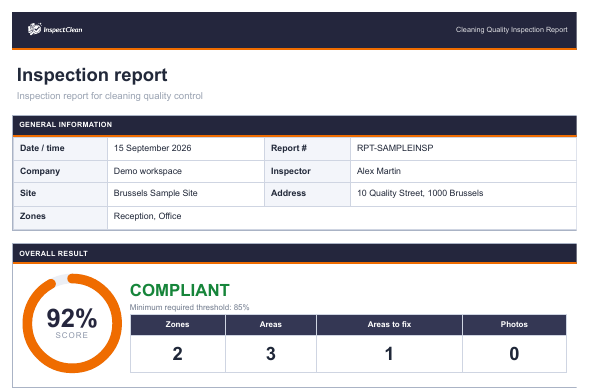
This excerpt comes from page one of a four-page demonstration PDF. It shows the overall score, threshold and inspection scope using fictional data.
From inspection to follow-up
Prepare
Set the site, areas and criteria to be checked.
Inspect
Record results, locate issues and add a useful comment or photo.
Report
Generate the PDF for a finalized inspection, then track rework through verification.
Ways to use InspectClean
Cleaning audit
Review a service against clear criteria and located findings.
Office cleaning inspections
Check workstations, circulation areas and washrooms by site.
Common-area cleaning inspections
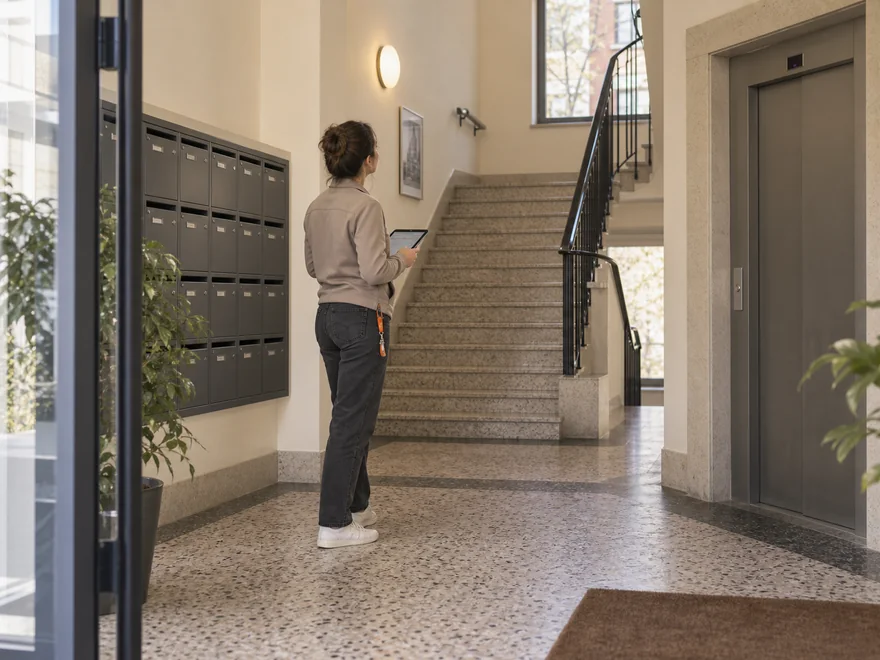
Track issues in lobbies, landings, lifts and stairs.
Inspection PDF report
Present scores, defects and comments from a finalized inspection.


Frequently asked questions
Who is InspectClean for?
InspectClean is software for teams that review cleaning service quality, including office and residential common-area cleaning.
What does the PDF report contain?
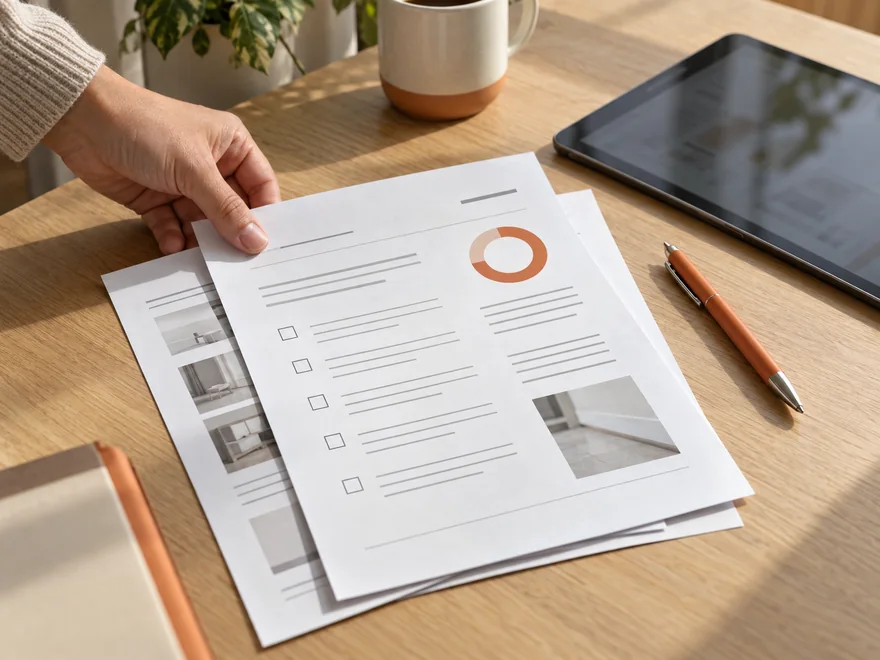
After an inspection is finalized, the report brings together the overall result, inspected areas, defects and comments. Photos appear when they were captured during the review.
How can an issue be followed up after the review?
A field issue can be assigned, documented during correction and then verified. The inspection report shows the initial finding; the corrective action is tracked in InspectClean.
See InspectClean in a demo
Walk through an inspection, its report and the follow-up to a field issue in the software.