

Office cleaning checks
Check office cleaning, area by area
Prepare checkpoints that match the service, record issues on site and share an inspection report. InspectClean keeps findings tied to the site and inspected areas.

What should an office check cover?
These are observable points to prepare a visit. Keep the ones that match the contract and the actual areas on site.
| Area | Possible checkpoints |
|---|---|
| Workstations | Accessible surfaces free of dust; waste bins emptied. |
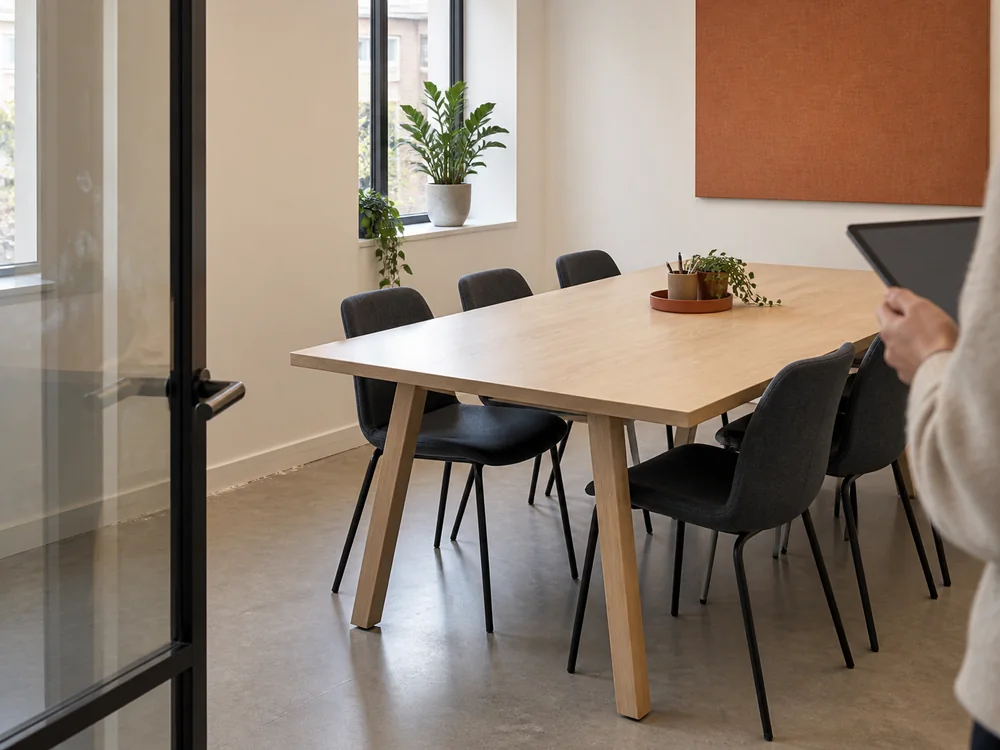
| Meeting room | Table free of marks; accessible surfaces clean. |
| Circulation areas | Hall floor free of marks; accessible skirting boards free of dust. |
| Washrooms | Washbasin free of residue; mirror without streaks; soap available. |
This list is indicative: adapt criteria to the contract and to what is present on site.
From the site visit to the next action
The visit result and verification of rework happen at different points.
Set the areas
Link each checkpoint to the site and relevant rooms.
Locate the finding
Record the result and exact location. Add a note or photo if it helps explain an issue.
Report and follow up
The finalized inspection PDF shows findings; issue assignment, correction and verification are tracked in InspectClean.
Frequently asked questions
What should be checked in an office?
Choose contract-specific points you can observe on site. Accessible workstations, meeting rooms, circulation areas and washrooms are examples. The downloadable checklist helps prepare the grid.
Does every check need a photo?
No. A note may be enough; add a photo when it helps locate or explain an issue. The report only shows photos that were actually taken.
Does the PDF report show verified corrections?
No. The PDF shows results and defects from the finalized inspection. Assignment, correction and verification of an issue are tracked separately in InspectClean.
See an office check in InspectClean
Walk through checkpoints, on-site results and the report in a demonstration.